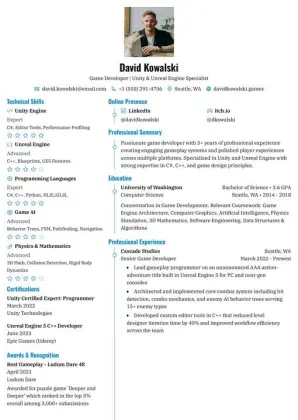
Azurill
Two columns
Two-column with a bold coloured sidebar and skill bars; great for creative or tech roles where visual flair is welcome.
Download sample PDFCompare real resume layouts before you sign up. Every template is free to customize, with PDF and Word downloads and no watermark.
Create a free account, then choose your template in Design. Switch layouts anytime without rewriting your content.
Two columns
Two-column with a bold coloured sidebar and skill bars; great for creative or tech roles where visual flair is welcome.
Download sample PDF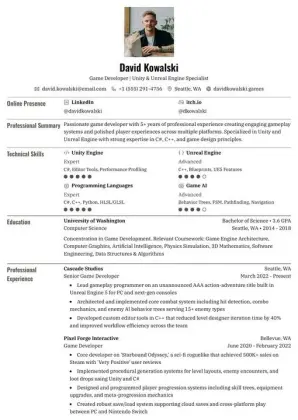
One column
One column with labeled section rows and subtle dividers. A compact layout for experience, education and supporting details.
Download sample PDF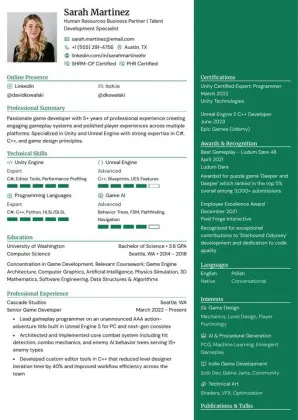
Two columns
Two-column with a soft header accent and circular profile photo; ideal for marketing, HR, or client-facing roles.
Download sample PDF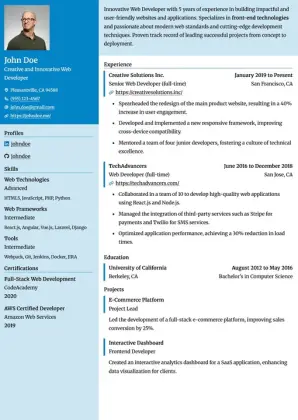
Two columns
Two-column with a dark teal sidebar and skills grid; modern feel for developers, data scientists, or technical PMs.
Download sample PDF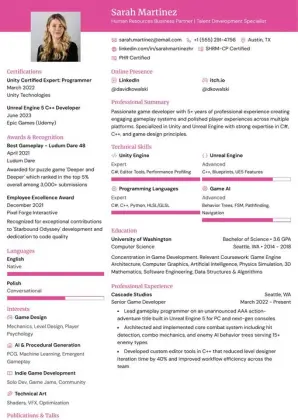
Two columns
Two columns beneath a colored header band. Keep experience in the main column and supporting details in the sidebar.
Download sample PDF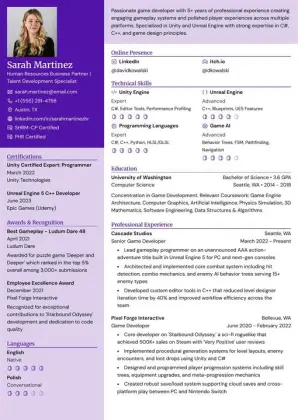
Two columns
Two-column with accent colours and clean typography; balanced choice for business analysts or operations roles.
Download sample PDF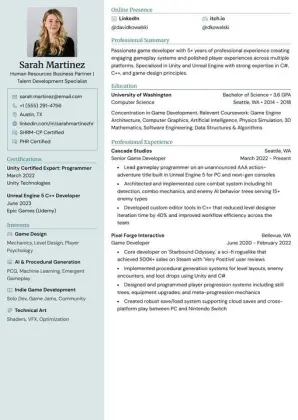
Two columns
Two-column, minimal with light gray sidebar and subtle icons; professional and understated for legal, finance, or executive roles.
Download sample PDF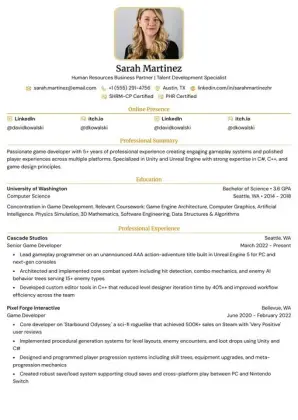
One column
Single-column with a magenta left border accent; compact and efficient for entry-level or internship applications.
Download sample PDF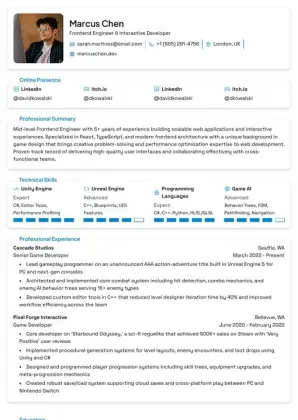
One column
Single-column; polished and serious for senior or enterprise-level positions.
Download sample PDF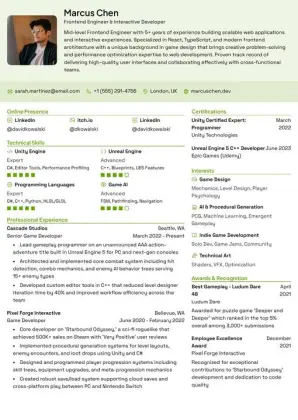
Two columns
Two-column with a muted color sidebar; earthy and calm, suits sustainability, healthcare, or nonprofit sectors.
Download sample PDF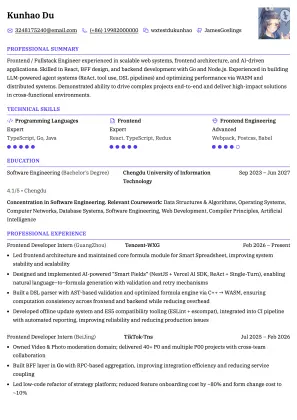
One column
Single-column with an inline three-column entry header (position · organization · period); compact and ATS-friendly, well-suited for Asian resume conventions (CN/JP/KR).
Download sample PDF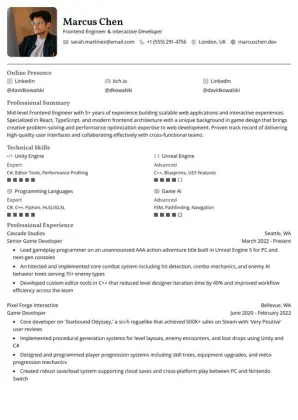
One column
One column with a photo beside the header and clear section headings. A simple top-to-bottom layout for your experience.
Download sample PDF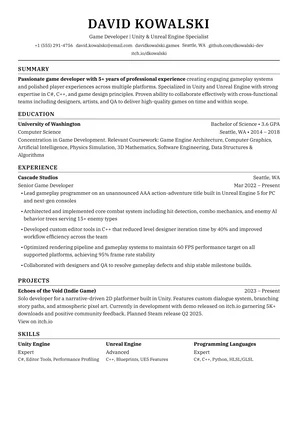
One column
Single-column Wall Street style with a centred header and ruled section headings.
Download sample PDF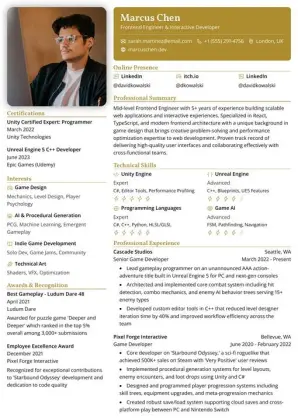
Two columns
Two-column with a left margin color; simple and approachable for creative, editorial, or junior roles.
Download sample PDF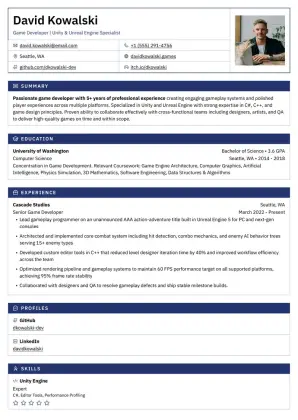
One column
Single-column ruled form inspired by the Japanese rirekisho: a bordered header of field cells and every section as a table with a solid title bar; dense and fast to scan for engineering, operations, or applications in Japan.
Download sample PDF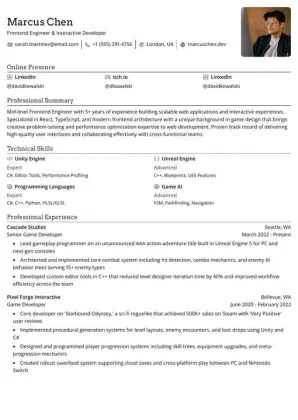
One column
Single-column with a minimal top header and lots of whitespace; clean and modern for designers or content creators.
Download sample PDF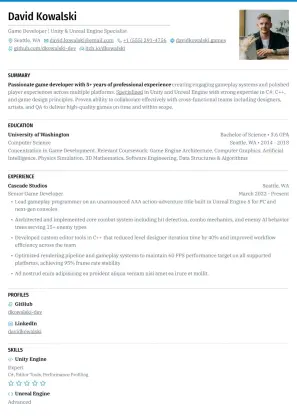
One column
Single-column with uppercase section headings and a primary-color top rule on every page; polished for executive, consulting, or startup resumes.
Download sample PDF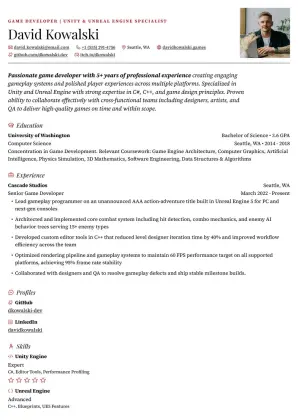
One column
Single-column set like a magazine feature: a large display name under an uppercase kicker and the summary as a larger standfirst; refined for writers, designers, and communications roles.
Download sample PDFOne-column templates give hiring software a simple top-to-bottom reading order. Two-column templates put supporting details in a sidebar and leave more room for visual hierarchy. Choose for your content, then check the exported PDF.
Check your resume’s ATS readabilityReadability does not guarantee an interview or a particular ATS result.
Adjust fonts, colors, spacing and sections in the resume builder. Export your finished resume to PDF or Word, or share a link. The PDFs above are examples to help you compare designs.
Build your resume
 Loading